

published · approved · 3.22 MiB
Workshop mod by Boomstick Barry
LHDF Vehicle Lock Arma Reforger Mod
# LHDF Vehicle Lock LHDF Vehicle Lock adds vehicle ownership, locks and keys.
EE26D4BA077DE98C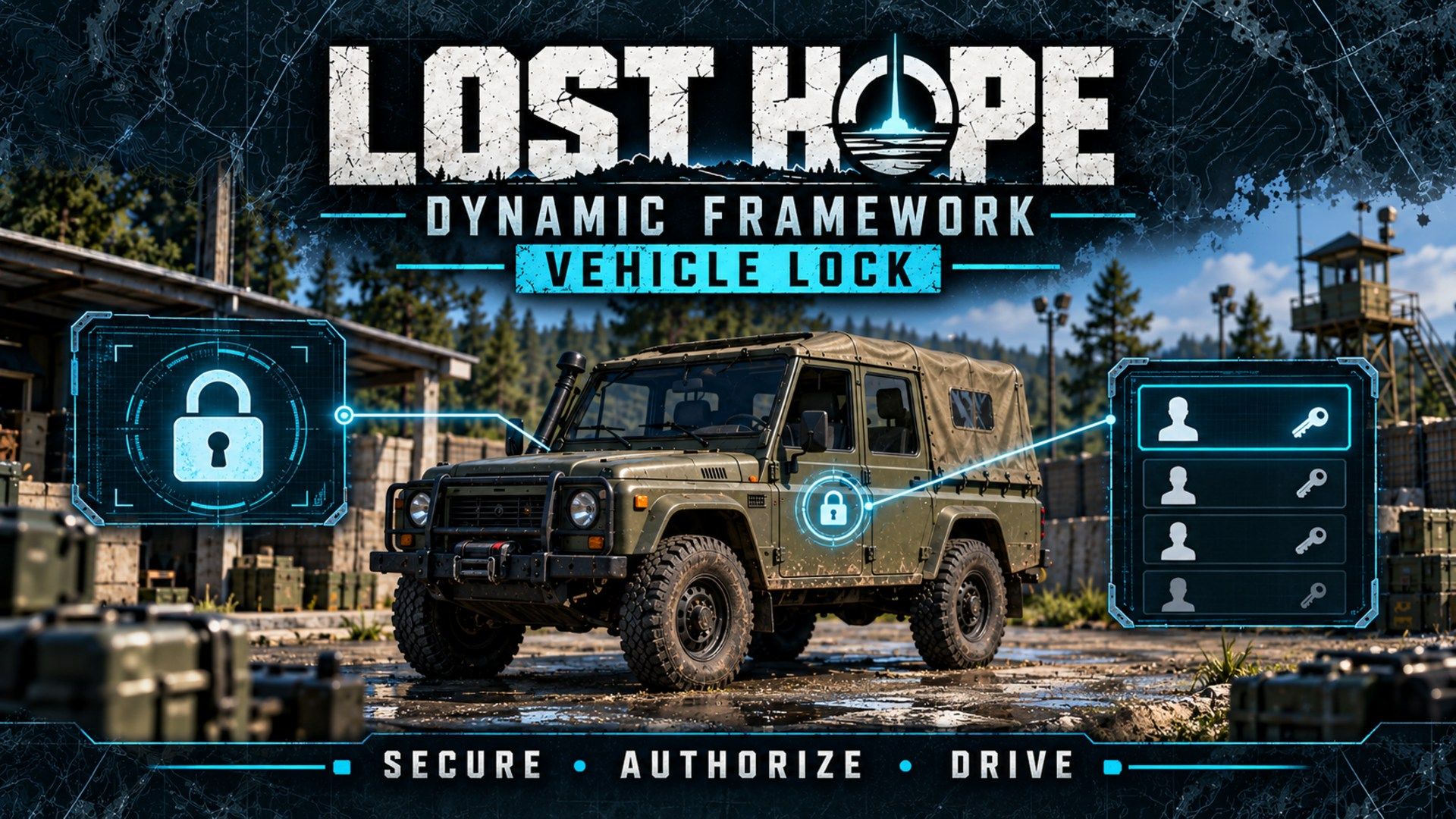
Ranking
Popular#971661.1Falling#59526.9
2Serversrunning this mod
0Observed players nowon servers reporting this mod
165Estimated player-hours (7d)7-day data
DeploymentTop 37%63.1ahead of 63% of tracked mods by servers running it
ActivityTop 42%58.0ahead of 58% of tracked mods by play on those servers
Popularity61.1deployment and activity combined
How those 2 installs happen100% traced
- Required by another mod2
Last 30 days
2 latest4 peak, 13 Oct0 low, 4 Oct
Servers reporting the mod in each hourly observation. Covers 18 days of the last 30 days.
Daily values
| Day | Last | Peak | Low | Obs. |
|---|---|---|---|---|
| 1 Oct | 2 | 2 | 1 | 18 |
| 2 Oct | 2 | 3 | 2 | 24 |
| 3 Oct | 1 | 2 | 1 | 24 |
| 4 Oct | 0 | 2 | 0 | 24 |
| 5 Oct | 2 | 2 | 1 | 24 |
| 6 Oct | 2 | 2 | 2 | 24 |
| 7 Oct | 1 | 2 | 1 | 24 |
| 8 Oct | 1 | 2 | 1 | 24 |
| 9 Oct | 1 | 2 | 1 | 24 |
| 10 Oct | 2 | 2 | 1 | 24 |
| 11 Oct | 2 | 2 | 1 | 24 |
| 12 Oct | 2 | 2 | 1 | 24 |
| 13 Oct | 2 | 4 | 2 | 24 |
| 14 Oct | 2 | 2 | 1 | 24 |
| 15 Oct | 2 | 2 | 1 | 24 |
| 16 Oct | 3 | 3 | 2 | 24 |
| 17 Oct | 2 | 3 | 2 | 24 |
| 18 Oct | 2 | 2 | 2 | 24 |
| 19 Oct | 2 | 2 | 2 | 13 |
1 latest8 peak, 1 Oct0 low, 1 Oct
Sampled player counts on servers reporting the mod; not unique players. Covers 18 days of the last 30 days.
Daily values
| Day | Last | Peak | Low | Obs. |
|---|---|---|---|---|
| 1 Oct | 2 | 8 | 0 | 18 |
| 2 Oct | 7 | 8 | 0 | 24 |
| 3 Oct | 3 | 7 | 0 | 24 |
| 4 Oct | 0 | 6 | 0 | 24 |
| 5 Oct | 0 | 5 | 0 | 24 |
| 6 Oct | 0 | 6 | 0 | 24 |
| 7 Oct | 0 | 4 | 0 | 24 |
| 8 Oct | 2 | 5 | 0 | 24 |
| 9 Oct | 0 | 5 | 0 | 24 |
| 10 Oct | 0 | 5 | 0 | 24 |
| 11 Oct | 0 | 5 | 0 | 24 |
| 12 Oct | 0 | 3 | 0 | 24 |
| 13 Oct | 2 | 4 | 0 | 24 |
| 14 Oct | 0 | 4 | 0 | 24 |
| 15 Oct | 2 | 4 | 0 | 24 |
| 16 Oct | 1 | 4 | 0 | 24 |
| 17 Oct | 0 | 4 | 0 | 24 |
| 18 Oct | 0 | 3 | 0 | 24 |
| 19 Oct | 1 | 1 | 0 | 13 |
Calculated Oct 19, 2026, 1:01 PM UTCDerived from observed server and mod activity. Trend positions describe recent observed change, not future adoption.
Summary
# LHDF Vehicle Lock LHDF Vehicle Lock adds vehicle ownership, locks and keys.
Official Workshop description
# LHDF Vehicle Lock
LHDF Vehicle Lock adds vehicle ownership, locks and keys. It is part of the Lost Hope Dynamic Framework (LHDF) and builds on LHDF Core.
Every vehicle based on the vanilla vehicle base prefab can have an owner. The owner can lock it, give keys to other players and hand it over. Ownership, lock state and keys are saved with the vehicle in the vanilla save, which also keeps its position, damage, fuel and cargo. Players get vehicles by buying them (LHDF Shop), by claiming them (if the server allows it) or from a Game Master.
## Features
- Access: the owner, key holders, the owner's group (optional) and admins (optional). AI act with the access of the player leading their group.
- Locked vehicles refuse getting in, switching seats, doors, storage, refuel, repair and supply loading for anyone without access. The server also puts people without access out again and refuses taking items out of a locked vehicle's storage.
- Interactions on the vehicle: owner info, lock and unlock, manage, claim and give up (claim and give up are 10 s hold actions).
- Manage window (owner and admins): lock, give up, the key holders (offline ones too) with Take key, and the players nearby with Give key and Hand over. Works with mouse and controller.
- Claiming of unowned, empty vehicles, off by default, with a limit per player. Bought vehicles do not count towards the limit.
- Owned vehicles are not removed by the garbage system. A vehicle that is given up is an ordinary vehicle again.
- Game Master attributes on vehicles: Owner (no owner, a connected player, or the offline owner kept) and Locked.
- Vehicle Spawner (Game Master content browser under Systems, or in a world file): keeps one vehicle of a prefab at its spot and replaces it after the respawn delay once it is destroyed, deleted or owned by a player. Its vehicles are not saved until a player owns one, and cannot be claimed unless "Players may claim" is on. Game Master attributes: Respawn delay (10 to 1800 s), Players may claim, Take nearest vehicle (adopts the nearest vehicle within 10 m).
- Works with LHDF Shop: vehicles bought there get their owner through LHDF Core. Vehicle Lock does not need the Shop.
## Required on server and clients
Ownership is replicated with each vehicle, and the interactions, manage window and Game Master attributes run on the clients, so the mod must be loaded on the server and on every client.
## Dependencies
- Arma Reforger
- LHDF Core
## Configuration
Settings live in `$profile:LHDF/<namespace>/VehicleLock.json`. On every start the server writes every key with its default to `_defaults/VehicleLock.md` and `_defaults/VehicleLock.json` in the same folder.
- `lockNewVehicles` (default true): vehicles are locked when they get an owner. Live-editable.
- `groupSharing` (default true): the owner's group may use locked vehicles. Live-editable.
- `allowClaiming` (default false): players may claim unowned, empty vehicles. Live-editable.
- `maxClaimedVehicles` (default 2, 0 to 1000): claimed vehicles per player; 0 is no limit.
- `transferKeepsClaimed` (default true): a claimed vehicle handed over stays claimed; off, it becomes an ordinary owned vehicle like a bought one. Live-editable.
- `adminBypass` (default true): admins use, unlock and manage every vehicle.
- `enforceOnServer` (default true): the server puts anyone without access out of a locked vehicle.
- `interactionRange` (default 15, 3 to 100 m): distance for claim, give key and hand over.
- `respawnDestroyed` (default false): destroyed owned vehicles come back new on the next start next to where they were destroyed, owned and locked as before.
## Known limitations
- Vehicles whose prefab does not inherit the vanilla vehicle base prefab cannot be owned.
- Owned vehicles are never released automatically, also when the owner does not come back (only a destroyed one is released; its wreck goes to the garbage system).
- After a restart, group sharing works again once the owner has joined.
- Do not run it together with another vehicle lock mod (for example the vehicle lock of WCS); switch the other one off.
Beta: feedback welcome on the Lost Hope Survival Discord: https://discord.gg/uDzYTTdsM6
License
CUSTOM LICENSE – RESTRICTED SERVER USE
Version 1.0 – 2026-10-01
1. OWNERSHIP
This mod, including all code, assets, configurations and documentation
(the "Content"), is created and owned by BoomstickBarry / the LHDF Team (the "Author").
All rights not expressly granted in this license are reserved.
2. PERMITTED USE
Without further permission, you may:
a) download the Content through the Arma Reforger Workshop;
b) use it in single-player, offline or local Workbench sessions for
personal, non-commercial purposes;
c) host it on the following authorized servers only:
[Lost Hope Survival - Nizla Island].
3. SERVER RESTRICTION
You may not load, host, run or otherwise deploy the Content, in whole or
in part, on any multiplayer server other than those listed in Section 2(c)
without prior written permission from the Author. This applies to public,
private, password-protected, unlisted, test and event servers, and to
server-side-only use.
4. REQUESTING PERMISSION
Requests must be sent through the Lost Hope Survival Discord:
https://discord.gg/uDzYTTdsM6. Permission is valid only if
given in writing by the Author, applies only to the servers named in it,
and cannot be transferred or sublicensed.
5. NO REDISTRIBUTION
You may not reupload, mirror, repack, merge into another mod, or otherwise
redistribute the Content on any platform.
6. NO DERIVATIVES
You may not modify, adapt, decompile, extract assets or code from, or
create works based on the Content without written permission. Creating a
separate mod that lists the Content as a dependency is allowed only for
use on authorized servers.
7. NO COMMERCIAL USE
You may not sell the Content or use it in any context involving direct or
indirect financial gain, including servers with paid access, paid perks
or donation-based advantages.
7a. NO USE OUTSIDE BOHEMIA INTERACTIVE PRODUCTS
The Content may only be used within Arma Reforger and other Bohemia
Interactive products. It may not be transferred to, used in, or adapted
for any other game, engine or platform.
8. TECHNICAL MEASURES
The Content may include checks that limit its functionality to authorized
servers. Circumventing, disabling or removing these checks is prohibited.
9. TERMINATION AND REVOCATION
Any breach of this license automatically ends your rights under it. The
Author may revoke any granted permission at any time. After termination
or revocation, you must stop using the Content on any server immediately.
10. NO WARRANTY
The Content is provided "as is", without warranty of any kind. The Author
is not liable for any damage, data loss or server issues arising from its
use.
11. THIRD-PARTY CONTENT
Any third-party material included in the Content remains subject to its
own license, and nothing here overrides those terms.
12. CHANGES
The Author may update this license. The version shown on the Workshop
page is the one that applies.
13. SEVERABILITY
If any part of this license is found unenforceable, the rest remains in
effect.
Servers running this mod
22 currently listed servers report LHDF Vehicle Lock in its mod list. Showing the 2 with the most players.
Versions
101.0.15Game 1.8.0.13 · 3.22 MiB · Oct 16, 2026
Dependencies: 1Scenarios: 0PublishedApproved
## [1.0.15]

### Added

- The owner line of the interaction menu shows the decay time to the owner, key holders and admins: "Owner: Operator Mosh (locked) · decays in 6 d 23 h" ("5 h 12 min", "12 min", "decays now"; always rounded down). Other players see the owner line as before. The time comes from the server when you look at the vehicle (refreshed every minute, and at once after you lock or unlock it) and counts down on your screen; it is never sent to anyone else.
- A Game Master can change the decay days on the LHDF tab (Vehicle Lock, "Decay days", 0 to 90, in steps of 0.05 days = 72 minutes); the change applies within 30 seconds, no restart. A value set there wins over `decayDays` in `VehicleLock.json`.

### Changed

- Lowering `decayDays` (on the Game Master LHDF tab, or in `VehicleLock.json` and a restart) no longer releases at once the vehicles it puts past their deadline: they get one more hour with the 1 h warning, and are released after it unless the owner unlocks and locks them again. A restart during that hour does not shorten it. Vehicles that were already past their old deadline are released as before. A lowering in `VehicleLock.json` needs one start with 1.0.15 before it (the last applied value is kept in the new world data section `VehicleLock.Decay`).
- Raising `decayDays` lets the 12, 6, 3 and 1 hour warnings come again.
- `decayDays` applies within 30 seconds of a Game Master change instead of at the next restart.
- Decay notices and the grace are written to the server log.
config.json entry
{
  "modId": "EE26D4BA077DE98C",
  "name": "LHDF Vehicle Lock",
  "version": "1.0.15"
}Use LHDF Vehicle Lock on your server
Add LHDF Vehicle Lock to the game.mods array of your server config.json. The config generator builds the full file, the mod manager keeps the mod list and its dependencies organized, and the config validator checks an existing config. The adding mods guide and mod dependencies guide walk through it step by step.
Fetch this mod from the API
The same metadata is available as JSON. See the API quickstart, the V2 reference, or the V1 reference.
GET https://api.reforgermods.net/v2/mods/EE26D4BA077DE98C
GET https://api.reforgermods.net/v2/mods/EE26D4BA077DE98C/versions
Data is cached from Arma Reforger Workshop metadata and may be stale. reforgermods.net is independent and is not affiliated with Bohemia Interactive.