

published · approved · 13 MiB
Workshop mod by Umbra Concepts LLC
Shadow Company MFoCS Arma Reforger Mod
Working in-cabin navigation for the WCS JLTV. Both screens become iOS-style terminals with road routing, turn-by-turn voice guidance, grid entry and map clicks.
AB0C1AC7766E4B37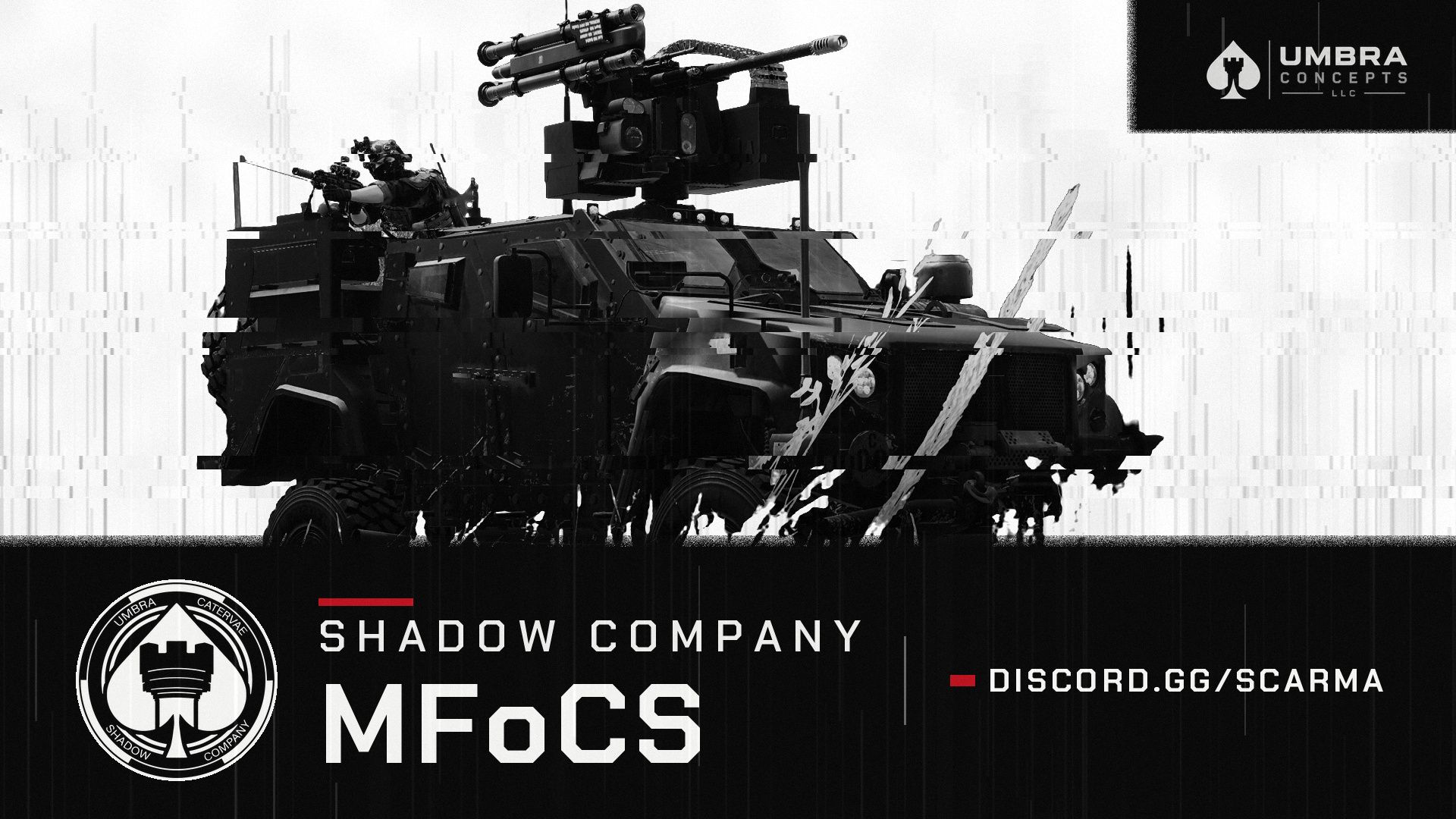
Ranking
Popular#403884.6Falling#126277.8
11Serversrunning this mod
23Observed players nowon servers reporting this mod
586Estimated player-hours (7d)7-day data
DeploymentTop 10%90.4ahead of 90% of tracked mods by servers running it
ActivityTop 24%75.8ahead of 76% of tracked mods by play on those servers
Popularity84.6deployment and activity combined
How those 11 installs happen82% traced
- Not identified as a dependency9
- Unknown2
Last 30 days
11 latest13 peak, 7 Nov1 low, 23 Oct
Servers reporting the mod in each hourly observation. Covers 17 days of the last 30 days. Shaded bands mark periods with no observations, which is not the same as zero.
Daily values
| Day | Last | Peak | Low | Obs. |
|---|---|---|---|---|
| 23 Oct | 3 | 4 | 1 | 16 |
| 24 Oct | 3 | 5 | 3 | 24 |
| 25 Oct | 5 | 6 | 2 | 24 |
| 26 Oct | 5 | 6 | 4 | 24 |
| 27 Oct | 7 | 9 | 5 | 24 |
| 28 Oct | 6 | 8 | 5 | 24 |
| 29 Oct | 7 | 7 | 5 | 24 |
| 30 Oct | 7 | 10 | 5 | 24 |
| 31 Oct | 6 | 7 | 5 | 24 |
| 1 Nov | 8 | 9 | 6 | 24 |
| 2 Nov | 10 | 11 | 6 | 24 |
| 3 Nov | 10 | 10 | 6 | 24 |
| 4 Nov | 8 | 9 | 7 | 24 |
| 5 Nov | 7 | 9 | 3 | 24 |
| 6 Nov | 7 | 7 | 5 | 24 |
| 7 Nov | 13 | 13 | 7 | 24 |
| 8 Nov | 11 | 12 | 7 | 21 |
23 latest34 peak, 7 Nov0 low, 23 Oct
Sampled player counts on servers reporting the mod; not unique players. Covers 17 days of the last 30 days. Shaded bands mark periods with no observations, which is not the same as zero.
Daily values
| Day | Last | Peak | Low | Obs. |
|---|---|---|---|---|
| 23 Oct | 7 | 7 | 0 | 16 |
| 24 Oct | 3 | 15 | 0 | 24 |
| 25 Oct | 12 | 15 | 0 | 24 |
| 26 Oct | 3 | 4 | 0 | 24 |
| 27 Oct | 3 | 10 | 0 | 24 |
| 28 Oct | 1 | 19 | 0 | 24 |
| 29 Oct | 3 | 6 | 0 | 24 |
| 30 Oct | 7 | 18 | 0 | 24 |
| 31 Oct | 0 | 17 | 0 | 24 |
| 1 Nov | 14 | 14 | 0 | 24 |
| 2 Nov | 8 | 15 | 0 | 24 |
| 3 Nov | 7 | 7 | 0 | 24 |
| 4 Nov | 1 | 6 | 0 | 24 |
| 5 Nov | 12 | 12 | 0 | 24 |
| 6 Nov | 5 | 18 | 0 | 24 |
| 7 Nov | 34 | 34 | 0 | 24 |
| 8 Nov | 23 | 23 | 0 | 21 |
Calculated Nov 8, 2026, 11:43 PM UTCDerived from observed server and mod activity. Trend positions describe recent observed change, not future adoption.
Summary
Working in-cabin navigation for the WCS JLTV. Both screens become iOS-style terminals with road routing, turn-by-turn voice guidance, grid entry and map clicks.
Official Workshop description
In-vehicle navigation for the WCS JLTV. Both cabin screens, front passenger and driver, become working terminals, each operated from its own seat. Navigation lives on the screens only; there is no on-screen HUD.
FEATURES
• Live cabin screens: turn a unit on with its PWR key (works with the engine off), then use it in the cabin or open the full view with "Use terminal".
• Maps-style navigation: the map is drawn from the terrain's own road network, with your vehicle, a destination pin and a blue route that follows the roads.
• Turn-by-turn: "Turn left in 250 ft", arrival time, minutes and distance remaining.
• Smart rerouting: miss a turn and it reroutes from where you are. Keep ignoring a road and it stops sending you back to it.
• Set a destination by grid (4, 6 or 8 digits), by picking a point on the map, or by right-clicking the map.
• Spoken guidance from the tablet's speaker. Crew inside hear it, someone standing right by the vehicle hears it quietly, nobody further away does. Mute and four volume levels.
• US units (feet, miles, mph) by default, metric as a setting. Dark appearance.
• Shared navigation: both screens show the same destination and route. Power, page, zoom and brightness are per screen.
• Mouse first, controller supported: click anything, drag the map, scroll to zoom. The D-pad, A/B, triggers and Y also work.
• A home screen with a second app for downtime: Snake.
REQUIREMENTS
• WCS JLTV. Every WCS JLTV variant gets the terminals.
CONTROLS (full view)
• Mouse: click controls and bezel keys, drag to pan, wheel to zoom, right-click the map to set a destination.
• Keyboard: arrows or W A S D, Space select, Enter go, digits, Backspace / Delete, F1–F4 pages, Esc back.
• Controller: D-pad, A select, B back, LT / RT zoom, Y next page, right stick pan.
CREDITS
• Fonts: Inter and Press Start 2P (SIL Open Font License; licence texts included).
• Voice: Kokoro-82M v1.0 (Apache 2.0), rendered with sherpa-onnx (Apache 2.0).
Built by and for Shadow Company. discord.gg/SCARMA
Servers running this mod
1111 currently listed servers report Shadow Company MFoCS in its mod list. Showing the 5 with the most players.
- Shadow Company PMC — Operations Server — discord.gg/SCARMAOnline · SHADOW COMPANY MILSIM — OFFICIAL15 / 32players
- THE EVERON WAR (PVP&ACTIVE)Online · #AR-Editor_Mission_GM_Eden_Name3 / 16players
- [CAN1] Canuck Tactical Group| Brutal PVE | Crossplay |Online · COE2 - Chernarus2 / 40players
- Jlat8397Online · Frontline PVE - Everon2 / 10players
- [BR] Shadow Company Milsim | Operations Server | PS5/PCOnline · OPERATION GAMBITO DO REI II0 / 30players
Versions
81.0.7Game 1.9.0.37 · 13 MiB · Nov 6, 2026
Dependencies: 5Scenarios: 0PublishedApproved
Rebuilt and verified for WCS 9.0.config.json entry
{
  "modId": "AB0C1AC7766E4B37",
  "name": "Shadow Company MFoCS",
  "version": "1.0.7"
}Use Shadow Company MFoCS on your server
Add Shadow Company MFoCS to the game.mods array of your server config.json. The config generator builds the full file, the mod manager keeps the mod list and its dependencies organized, and the config validator checks an existing config. The adding mods guide and mod dependencies guide walk through it step by step.
Fetch this mod from the API
The same metadata is available as JSON. See the API quickstart, the V2 reference, or the V1 reference.
GET https://api.reforgermods.net/v2/mods/AB0C1AC7766E4B37
GET https://api.reforgermods.net/v2/mods/AB0C1AC7766E4B37/versions
Data is cached from Arma Reforger Workshop metadata and may be stale. reforgermods.net is independent and is not affiliated with Bohemia Interactive.