

published · approved · 26 MiB
Workshop mod by OnlyBans21
Loot Stashes Arma Reforger Mod
Loot Stashes adds configurable, refreshable loot containers to Arma Reforger, with in-game GM tools to build custom loot pools, link child items, tune spawn rates, and save server-side presets easily.
69E53C9A0D2CCFA1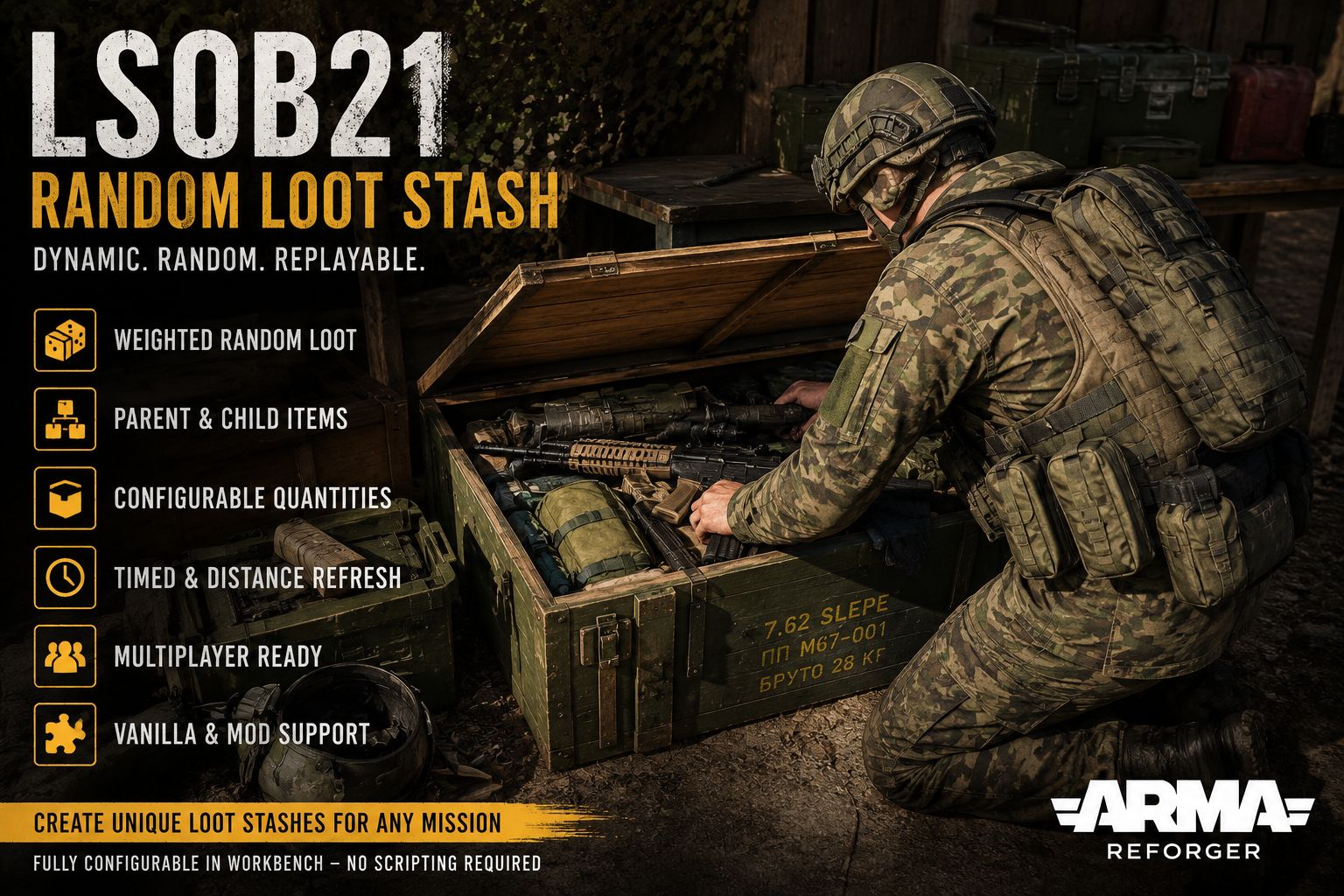
Ranking
Popular#268387.7Falling#131578.9
29Serversrunning this mod
5Observed players nowon servers reporting this mod
1.7kEstimated player-hours (7d)7-day data
DeploymentTop 7%93.4ahead of 93% of tracked mods by servers running it
ActivityTop 21%79.0ahead of 79% of tracked mods by play on those servers
Popularity87.7deployment and activity combined
How those 29 installs happen100% traced
- Not identified as a dependency10
- Required by another mod19
Last 30 days
30 latest38 peak, 23 Sept17 low, 3 Oct
Servers reporting the mod in each hourly observation. Last 30 days.
Daily values
| Day | Last | Peak | Low | Obs. |
|---|---|---|---|---|
| 19 Sept | 30 | 34 | 30 | 10 |
| 20 Sept | 32 | 34 | 28 | 24 |
| 21 Sept | 30 | 34 | 28 | 24 |
| 22 Sept | 30 | 31 | 25 | 24 |
| 23 Sept | 35 | 38 | 34 | 24 |
| 24 Sept | 29 | 35 | 29 | 24 |
| 25 Sept | 30 | 30 | 27 | 24 |
| 26 Sept | 33 | 36 | 28 | 24 |
| 27 Sept | 30 | 35 | 30 | 24 |
| 28 Sept | 32 | 34 | 30 | 24 |
| 29 Sept | 28 | 34 | 28 | 24 |
| 30 Sept | 25 | 29 | 24 | 24 |
| 1 Oct | 25 | 27 | 23 | 24 |
| 2 Oct | 20 | 24 | 19 | 24 |
| 3 Oct | 20 | 21 | 17 | 24 |
| 4 Oct | 23 | 23 | 17 | 24 |
| 5 Oct | 24 | 24 | 21 | 24 |
| 6 Oct | 25 | 27 | 24 | 24 |
| 7 Oct | 29 | 30 | 23 | 24 |
| 8 Oct | 29 | 29 | 23 | 24 |
| 9 Oct | 27 | 28 | 24 | 24 |
| 10 Oct | 26 | 28 | 25 | 24 |
| 11 Oct | 27 | 27 | 23 | 24 |
| 12 Oct | 29 | 31 | 25 | 24 |
| 13 Oct | 27 | 30 | 26 | 24 |
| 14 Oct | 25 | 29 | 25 | 24 |
| 15 Oct | 29 | 31 | 27 | 24 |
| 16 Oct | 32 | 32 | 28 | 24 |
| 17 Oct | 34 | 35 | 30 | 24 |
| 18 Oct | 35 | 36 | 31 | 24 |
| 19 Oct | 30 | 35 | 30 | 14 |
7 latest66 peak, 27 Sept0 low, 6 Oct
Sampled player counts on servers reporting the mod; not unique players. Last 30 days.
Daily values
| Day | Last | Peak | Low | Obs. |
|---|---|---|---|---|
| 19 Sept | 17 | 42 | 12 | 10 |
| 20 Sept | 11 | 43 | 6 | 24 |
| 21 Sept | 24 | 56 | 7 | 24 |
| 22 Sept | 22 | 45 | 6 | 24 |
| 23 Sept | 26 | 55 | 12 | 24 |
| 24 Sept | 30 | 45 | 6 | 24 |
| 25 Sept | 24 | 51 | 7 | 24 |
| 26 Sept | 32 | 57 | 17 | 24 |
| 27 Sept | 26 | 66 | 21 | 24 |
| 28 Sept | 33 | 63 | 6 | 24 |
| 29 Sept | 9 | 38 | 9 | 24 |
| 30 Sept | 8 | 33 | 2 | 24 |
| 1 Oct | 12 | 21 | 4 | 24 |
| 2 Oct | 16 | 28 | 1 | 24 |
| 3 Oct | 11 | 21 | 2 | 24 |
| 4 Oct | 13 | 20 | 1 | 24 |
| 5 Oct | 15 | 18 | 2 | 24 |
| 6 Oct | 12 | 13 | 0 | 24 |
| 7 Oct | 17 | 25 | 2 | 24 |
| 8 Oct | 16 | 18 | 3 | 24 |
| 9 Oct | 11 | 26 | 0 | 24 |
| 10 Oct | 17 | 22 | 2 | 24 |
| 11 Oct | 13 | 16 | 1 | 24 |
| 12 Oct | 10 | 22 | 0 | 24 |
| 13 Oct | 16 | 16 | 0 | 24 |
| 14 Oct | 6 | 21 | 1 | 24 |
| 15 Oct | 17 | 21 | 0 | 24 |
| 16 Oct | 19 | 29 | 1 | 24 |
| 17 Oct | 35 | 47 | 6 | 24 |
| 18 Oct | 28 | 28 | 3 | 24 |
| 19 Oct | 7 | 10 | 2 | 14 |
Calculated Oct 19, 2026, 1:32 PM UTCDerived from observed server and mod activity. Trend positions describe recent observed change, not future adoption.
Summary
Loot Stashes adds configurable, refreshable loot containers to Arma Reforger, with in-game GM tools to build custom loot pools, link child items, tune spawn rates, and save server-side presets easily.
Official Workshop description
Loot Stashes
Loot Stashes adds configurable loot containers to Arma Reforger. Every stash can generate a randomized selection of weapons, equipment, medical supplies, ammunition, and other arsenal items.
The mod includes a complete in-game Game Master editor, allowing GMs to customize individual stashes while a scenario is running—without rebuilding the scenario or editing configuration files.
How it works
Each Loot Stash uses a customizable loot pool made from two types of entries:
Parent items: The main items selected for spawning, such as weapons, equipment, or medical supplies.
Linked child items: Optional items attached to a parent entry, such as magazines, optics, grenades, or accessories.
Each parent item supports:
Spawn weight
Minimum quantity
Maximum quantity
Separate child items for each spawned parent
Each linked child item supports:
Spawn chance
Minimum quantity
Maximum quantity
Quantity settings are limited to a maximum of 10 per entry to help prevent accidental performance problems caused by spawning excessive numbers of items.
Changes are queued safely and take effect the next time the stash refreshes.
Using the Game Master editor
While playing as a Game Master:
Select an editable Loot Stash.
Open Edit Properties.
Open the Loot Stash settings.
Select Manage Loot Pool.
Search or browse the loaded arsenal items.
Add items as parents or link them as child items.
Adjust their weight, chance, and quantity settings.
Select Apply for Next Refresh.
The editor includes item names, attachment information, prefab previews, search filtering, scrolling lists, and clearly separated parent and child settings.
You can add or remove as many entries as needed within the mod’s safety limits.
Server-side presets
GMs can save complete loot pools as named server presets.
Presets include:
Every parent item
All linked child items
Spawn weights and chances
Minimum and maximum quantities
Child spawning behavior
Saved presets can be loaded into another stash, reviewed, adjusted, and applied for its next refresh. Presets remain available after server restarts and are shared with authorized GMs on that server.
The server can store up to 10 named presets. Saving with an existing name updates that preset.
Default loot pool
Every stash starts with a ready-to-use vanilla loot pool. This ensures the mod works immediately, even if the Game Master never opens the custom editor.
The vanilla defaults can also be restored from the loot-pool menu at any time.
Compatibility with other mods
Loot Stashes automatically reads the arsenal catalog currently loaded by the server. This means it can work with weapons, equipment, and supplies from other mods without requiring individual compatibility patches.
For a modded item to appear, it must:
Be loaded on the server
Be properly registered as an arsenal item
Be available in the server’s active mod set
Items from different factions and compatible content mods can be mixed in the same loot pool. If a weapon prefab includes an optic, grenade launcher, or another recognized attachment, the editor identifies it using the weapon and attachment prefab names.
Loot Stashes does not need to maintain a hardcoded list of supported content mods—the available selection adapts to the server’s currently loaded arsenal.
Permitted use
You may:
Download, install, and use Loot Stashes with Arma Reforger.
Place and configure Loot Stash entities through the official Workbench and in-game Game Master tools.
Create, save, load, and share your own loot-pool configurations and presets.
Use Loot Stashes as a required dependency for your servers and scenarios.
Publish scenarios containing your own configurations, provided users obtain the original Loot Stashes addon through its official Workshop page.
Configuration performed through the provided tools does not constitute modification of the base addon.
Prohibited use
Unless you receive prior written permission from the copyright holder, you may not:
Copy, extract, reuse, or incorporate this addon’s scripts, source code, layouts, configurations, prefabs, systems, or other original files into another project.
Modify, rebuild, recompile, repack, port, or create derivative versions of the base addon for distribution.
Redistribute, mirror, or reupload the addon, whether modified or unmodified.
Publish patches that include copied or modified files from this addon.
Remove or alter copyright, attribution, or license notices.
Claim this addon or any portion of its original implementation as your own work.
Sell, sublicense, monetize, or place the addon or its files behind paid access.
Use the addon or its contents outside Arma Reforger.
Use the name “Loot Stashes” in a manner suggesting that an unofficial version is authorized or endorsed.
These restrictions apply except where applicable law expressly grants rights that cannot legally be restricted.
Servers running this mod
3030 currently listed servers report Loot Stashes in its mod list. Showing the 5 with the most players.
- JSOC Modern WarfareOnline · Game Master - Fallujah3 / 22players
- [DUG] MilSim Server [D-A-CH Unterstützungs Gefechtsverband] PvE / discord.gg/YUF3MYpXnQOnline · Hohenberg Germany1 / 30players
- [GK] PvEOnline · #AR-Editor_Mission_GM_Eden_Name1 / 10players
- UNOPES MARINA ARMADA DE MEXICOOnline · Frontline PVE - Everon1 / 20players
- (NY) Conflict USSR-USA [no spawn camping\main base]Online · #AR-Campaign_HQC_ScenarioName_Everon0 / 10players
Versions
100.0.16Game 1.8.0.10 · 26 MiB · Aug 22, 2026
Dependencies: 0Scenarios: 0PublishedApproved
Random Stash Spawner is a prefab for tools.config.json entry
{
  "modId": "69E53C9A0D2CCFA1",
  "name": "Loot Stashes",
  "version": "0.0.16"
}Use Loot Stashes on your server
Add Loot Stashes to the game.mods array of your server config.json. The config generator builds the full file, the mod manager keeps the mod list and its dependencies organized, and the config validator checks an existing config. The adding mods guide and mod dependencies guide walk through it step by step.
Fetch this mod from the API
The same metadata is available as JSON. See the API quickstart, the V2 reference, or the V1 reference.
GET https://api.reforgermods.net/v2/mods/69E53C9A0D2CCFA1
GET https://api.reforgermods.net/v2/mods/69E53C9A0D2CCFA1/versions
Data is cached from Arma Reforger Workshop metadata and may be stale. reforgermods.net is independent and is not affiliated with Bohemia Interactive.