

published · approved · 49 KiB
Workshop mod by felipew4r
GM Axis Placement Arma Reforger Mod
Precise GM placement: axis moves, tilt, surface sticking, magnet modes and numpad nudging. Placement GM précis : axes, inclinaison, collage, aimant et réglage au pavé numérique.
27B99420DC33D91A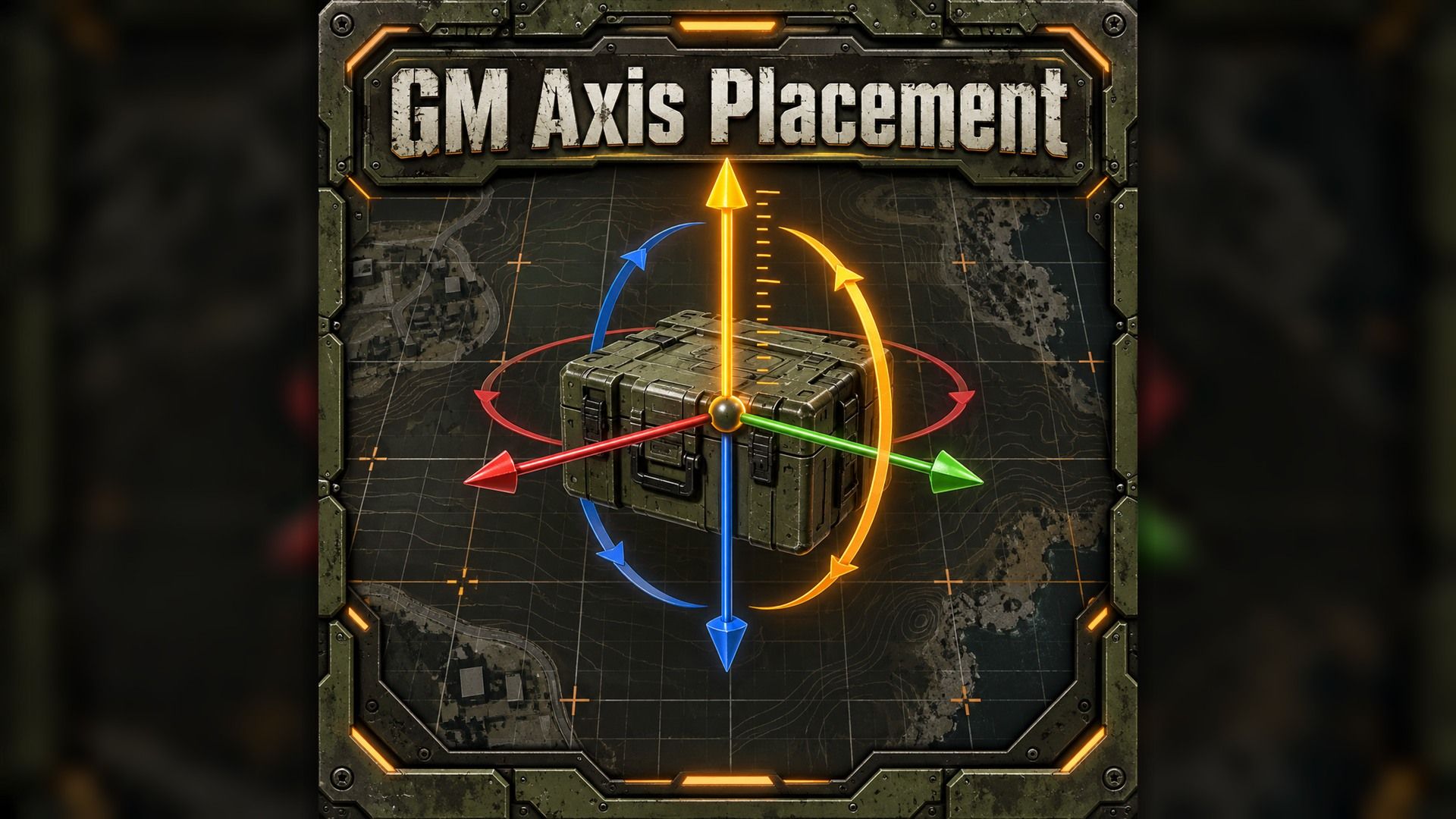
Ranking
Popular#349286.4Falling#233358.5
9Serversrunning this mod
26Observed players nowon servers reporting this mod
1.5kEstimated player-hours (7d)7-day data
DeploymentTop 11%89.1ahead of 89% of tracked mods by servers running it
ActivityTop 18%82.4ahead of 82% of tracked mods by play on those servers
Popularity86.4deployment and activity combined
How those 9 installs happen89% traced
- Not identified as a dependency8
- Unknown1
Last 30 days
10 latest18 peak, 17 Oct3 low, 5 Nov
Servers reporting the mod in each hourly observation. Last 30 days. Shaded bands mark periods with no observations, which is not the same as zero.
Daily values
| Day | Last | Peak | Low | Obs. |
|---|---|---|---|---|
| 10 Oct | 15 | 16 | 10 | 23 |
| 11 Oct | 11 | 14 | 11 | 24 |
| 12 Oct | 11 | 13 | 9 | 24 |
| 13 Oct | 14 | 15 | 10 | 24 |
| 14 Oct | 13 | 15 | 13 | 24 |
| 15 Oct | 12 | 13 | 11 | 24 |
| 16 Oct | 14 | 15 | 12 | 24 |
| 17 Oct | 16 | 18 | 13 | 24 |
| 18 Oct | 18 | 18 | 14 | 24 |
| 19 Oct | 15 | 18 | 15 | 24 |
| 20 Oct | 18 | 18 | 13 | 24 |
| 21 Oct | 16 | 18 | 14 | 24 |
| 22 Oct | 18 | 18 | 15 | 24 |
| 23 Oct | 14 | 17 | 13 | 24 |
| 24 Oct | 16 | 18 | 13 | 24 |
| 25 Oct | 14 | 16 | 12 | 24 |
| 26 Oct | 12 | 15 | 11 | 24 |
| 27 Oct | 14 | 14 | 11 | 24 |
| 28 Oct | 12 | 14 | 11 | 24 |
| 29 Oct | 14 | 14 | 10 | 24 |
| 30 Oct | 14 | 15 | 10 | 24 |
| 31 Oct | 9 | 15 | 9 | 24 |
| 1 Nov | 10 | 12 | 7 | 24 |
| 2 Nov | 10 | 11 | 9 | 24 |
| 3 Nov | 12 | 12 | 9 | 24 |
| 4 Nov | 11 | 13 | 9 | 24 |
| 5 Nov | 5 | 11 | 3 | 24 |
| 6 Nov | 8 | 8 | 4 | 24 |
| 7 Nov | 7 | 8 | 7 | 24 |
| 8 Nov | 8 | 9 | 3 | 21 |
| 9 Nov | 10 | 10 | 10 | 1 |
29 latest62 peak, 30 Oct0 low, 10 Oct
Sampled player counts on servers reporting the mod; not unique players. Last 30 days. Shaded bands mark periods with no observations, which is not the same as zero.
Daily values
| Day | Last | Peak | Low | Obs. |
|---|---|---|---|---|
| 10 Oct | 18 | 28 | 0 | 23 |
| 11 Oct | 10 | 20 | 1 | 24 |
| 12 Oct | 5 | 9 | 0 | 24 |
| 13 Oct | 3 | 27 | 1 | 24 |
| 14 Oct | 1 | 11 | 0 | 24 |
| 15 Oct | 11 | 11 | 0 | 24 |
| 16 Oct | 13 | 37 | 1 | 24 |
| 17 Oct | 24 | 52 | 0 | 24 |
| 18 Oct | 10 | 36 | 1 | 24 |
| 19 Oct | 8 | 30 | 2 | 24 |
| 20 Oct | 3 | 31 | 0 | 24 |
| 21 Oct | 30 | 30 | 0 | 24 |
| 22 Oct | 11 | 30 | 0 | 24 |
| 23 Oct | 21 | 37 | 1 | 24 |
| 24 Oct | 29 | 48 | 0 | 24 |
| 25 Oct | 24 | 25 | 0 | 24 |
| 26 Oct | 23 | 23 | 0 | 24 |
| 27 Oct | 11 | 34 | 0 | 24 |
| 28 Oct | 8 | 26 | 1 | 24 |
| 29 Oct | 6 | 28 | 0 | 24 |
| 30 Oct | 34 | 62 | 6 | 24 |
| 31 Oct | 6 | 49 | 4 | 24 |
| 1 Nov | 7 | 27 | 1 | 24 |
| 2 Nov | 9 | 29 | 2 | 24 |
| 3 Nov | 18 | 32 | 2 | 24 |
| 4 Nov | 13 | 19 | 3 | 24 |
| 5 Nov | 7 | 14 | 0 | 24 |
| 6 Nov | 25 | 25 | 0 | 24 |
| 7 Nov | 22 | 24 | 1 | 24 |
| 8 Nov | 22 | 30 | 1 | 21 |
| 9 Nov | 29 | 29 | 29 | 1 |
Calculated Nov 9, 2026, 12:25 AM UTCDerived from observed server and mod activity. Trend positions describe recent observed change, not future adoption.
Summary
Precise GM placement: axis moves, tilt, surface sticking, magnet modes and numpad nudging. Placement GM précis : axes, inclinaison, collage, aimant et réglage au pavé numérique.
Official Workshop description
Place objects precisely from the Game Master interface. This mod adds one-axis gestures to the vanilla placement without removing any: Shift (flat rotation) and Alt (height) keep working as usual. No game file is replaced.
DRAG — hold left click, then hold
C: move left/right along the object's own axis.
V: move forward/back along the object's own axis.
Ctrl: tilt up/down by moving the mouse vertically.
B: stick the back of the object against the surface under the cursor (wall, pole, rock).
Shift + B: stick it by its bottom (roof, slope).
Tilt and sticking work on objects already placed and on new ones from the entity browser.
FINE ADJUSTMENT — select one or more objects, hold a key, tap numpad + or −
C / V: left-right / forward-back.
Alt: height.
Ctrl: tilt.
Shift: flat rotation.
Hold + or − to repeat. Each selected object moves along its own axes, so a row of crates lines up in one go.
STEP SIZE
Hold the key and numpad *, then tap + or −.
C, V or Alt: move step 1 cm, 5 cm, 10 cm, 25 cm, 50 cm, 1 m, 2 m.
Ctrl or Shift: rotation step 1°, 5°, 15°, 45°, 90°.
Hold the key and * for 2 seconds to reset to 5 cm / 5°. The new value is shown on screen and your steps are saved in your profile.
LEVEL
Press N to level the selected objects horizontally, like on water, keeping their heading and position.
MAGNET
Tap Caps Lock to cycle the vertical placement reference: sea level, terrain or geometry.
Hold Caps Lock for 0.6 seconds to toggle automatic snapping. When on, the object snaps to that reference as you release left click; when off, it keeps its exact preview position. Every change is shown.
CONTROLS AND FEEDBACK
Rebind every action under Options > Controls > GM Axis Placement. Names and messages are available in English and French. Step and magnet changes remain visible when game hints are disabled.
GOOD TO KNOW
Characters and objects the game keeps upright cannot be tilted or stuck. Fine adjustment and levelling require full Game Master rights and are applied by the server, then replicated to all players. Nothing is triggered while you type in a text field. A Field Manual entry explains every shortcut (in French for now). Must be loaded on the server; players download it automatically.
- - -
Placez vos objets avec précision depuis l'interface Game Master. Ce mod ajoute au placement du jeu des gestes sur un seul axe, sans en retirer aucun : Maj (rotation à plat) et Alt (hauteur) fonctionnent comme d'habitude. Aucun fichier du jeu n'est remplacé.
GLISSER — clic gauche maintenu, puis maintenez
C : déplacement gauche-droite, le long de l'axe de l'objet.
V : déplacement avant-arrière, le long de l'axe de l'objet.
Ctrl : inclinaison haut-bas, en montant ou descendant la souris.
B : colle l'arrière de l'objet contre la surface visée (mur, poteau, rocher).
Maj + B : le colle par le dessous (toit, talus).
Inclinaison et collage fonctionnent sur un objet déjà posé comme sur un objet sorti du navigateur d'entités.
RÉGLAGE FIN — sélectionnez un ou plusieurs objets, maintenez une touche, appuyez sur + ou − du pavé numérique
C / V : gauche-droite / avant-arrière.
Alt : hauteur.
Ctrl : inclinaison.
Maj : rotation à plat.
Maintenez + ou − pour répéter. Chaque objet suit ses propres axes : une rangée de caisses s'aligne d'un seul geste.
PAS
Maintenez la touche et * du pavé numérique, puis appuyez sur + ou −.
C, V ou Alt : pas de déplacement 1 cm, 5 cm, 10 cm, 25 cm, 50 cm, 1 m, 2 m.
Ctrl ou Maj : pas de rotation 1°, 5°, 15°, 45°, 90°.
La touche et * maintenues 2 secondes reviennent à 5 cm / 5°. La valeur s'affiche à l'écran et vos pas sont enregistrés dans votre profil.
À PLAT
Appuyez sur N pour remettre les objets sélectionnés à l'horizontale, comme posés sur l'eau, en gardant leur orientation et leur position.
AIMANT
Appuyez brièvement sur Verr Maj pour parcourir les références verticales : niveau de la mer, terrain ou géométrie.
Maintenez Verr Maj 0,6 seconde pour basculer l'aimant. Actif, il applique l'objet à cette référence au relâchement du clic gauche ; inactif, l'objet garde exactement la position de l'aperçu. Chaque changement s'affiche.
CONTRÔLES ET AFFICHAGE
Remappez toutes les actions dans Options > Contrôles > GM Axis Placement. Noms et messages existent en français et en anglais. Les changements de pas et d'aimant restent visibles si les infobulles sont désactivées.
BON À SAVOIR
Les personnages et les objets que le jeu garde droits ne peuvent être ni inclinés ni collés. Réglage fin et remise à plat demandent les droits complets de Game Master ; ils sont appliqués par le serveur puis transmis à tous les joueurs. Rien ne se déclenche pendant la saisie d'un texte. Une entrée du Manuel pratique explique chaque raccourci. À charger sur le serveur ; les joueurs le téléchargent automatiquement.
MORE INFO / PLUS D'INFOS
Discord: https://discord.gg/2cyMfamfpJ
Servers running this mod
99 currently listed servers report GM Axis Placement in its mod list. Showing the 5 with the most players.
- Site-120 | SCP, RP, Horror | https://discord.gg/c8QmtaADuCOnline · Game Master - Merak Island19 / 128players
- 16th Infantry RegimentOnline · 16th Infantry Regiment Server6 / 20players
- DESKTOP-VKGL7E7 Capture & Hold - Almara FactoryOnline · GM NY NY1 / 24players
- [EU] Hillbillies vs Brits | 1980s Freedom Fighters | New Player Friendly | PS5 & Xbox optimizedOnline · Freedom Fighters - Faircroft Islands0 / 10players
- [ITA] | A.D.R.A. Team | MILSIM | PVP/PVEOnline · #AR-Editor_Mission_GM_Eden_Name0 / 128players
Versions
101.1.6Game 1.8.0.13 · 49 KiB · Oct 31, 2026
Dependencies: 0Scenarios: 0PublishedApproved
No changelog text is available for this version.
config.json entry
{
  "modId": "27B99420DC33D91A",
  "name": "GM Axis Placement",
  "version": "1.1.6"
}Use GM Axis Placement on your server
Add GM Axis Placement to the game.mods array of your server config.json. The config generator builds the full file, the mod manager keeps the mod list and its dependencies organized, and the config validator checks an existing config. The adding mods guide and mod dependencies guide walk through it step by step.
Fetch this mod from the API
The same metadata is available as JSON. See the API quickstart, the V2 reference, or the V1 reference.
GET https://api.reforgermods.net/v2/mods/27B99420DC33D91A
GET https://api.reforgermods.net/v2/mods/27B99420DC33D91A/versions
Data is cached from Arma Reforger Workshop metadata and may be stale. reforgermods.net is independent and is not affiliated with Bohemia Interactive.